Open the vault. Make anything.
DigiVault isn’t one tool — it’s a full creative toolkit. Generate from a prompt, then cut out, erase, upscale, recolor, or edit by description. Pick whatever the work needs and pay only for the credits you use.
What’s possible
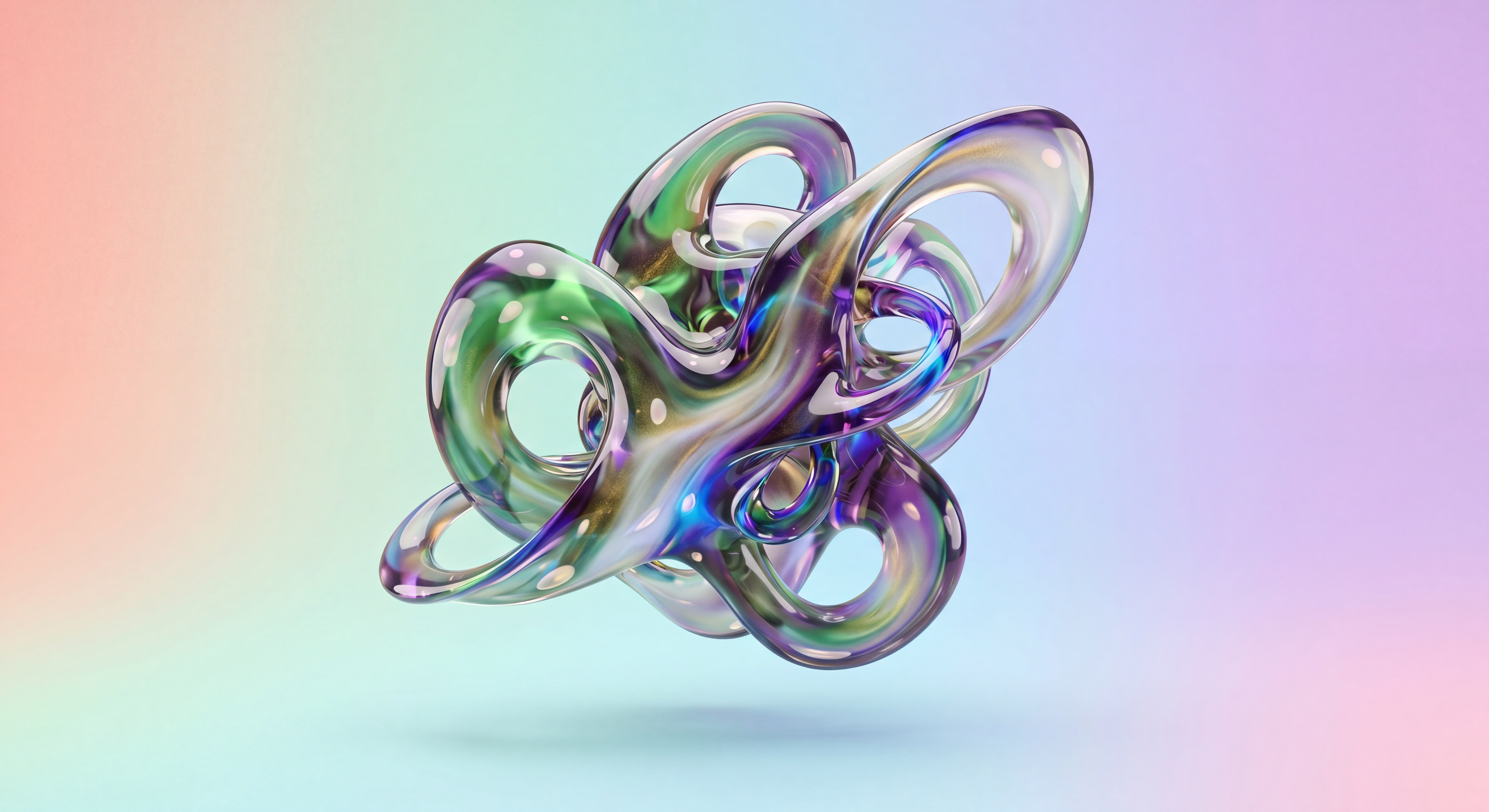
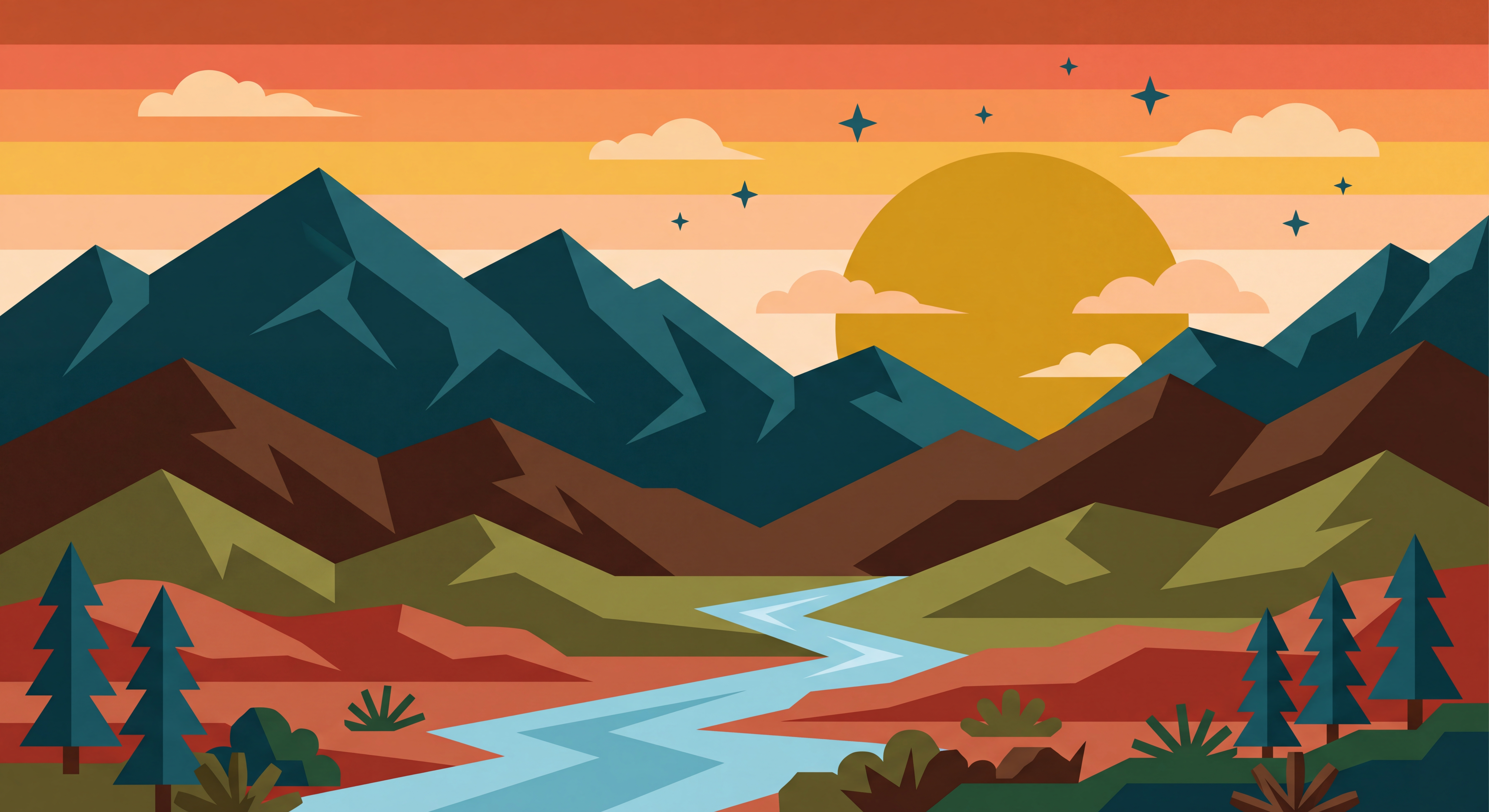
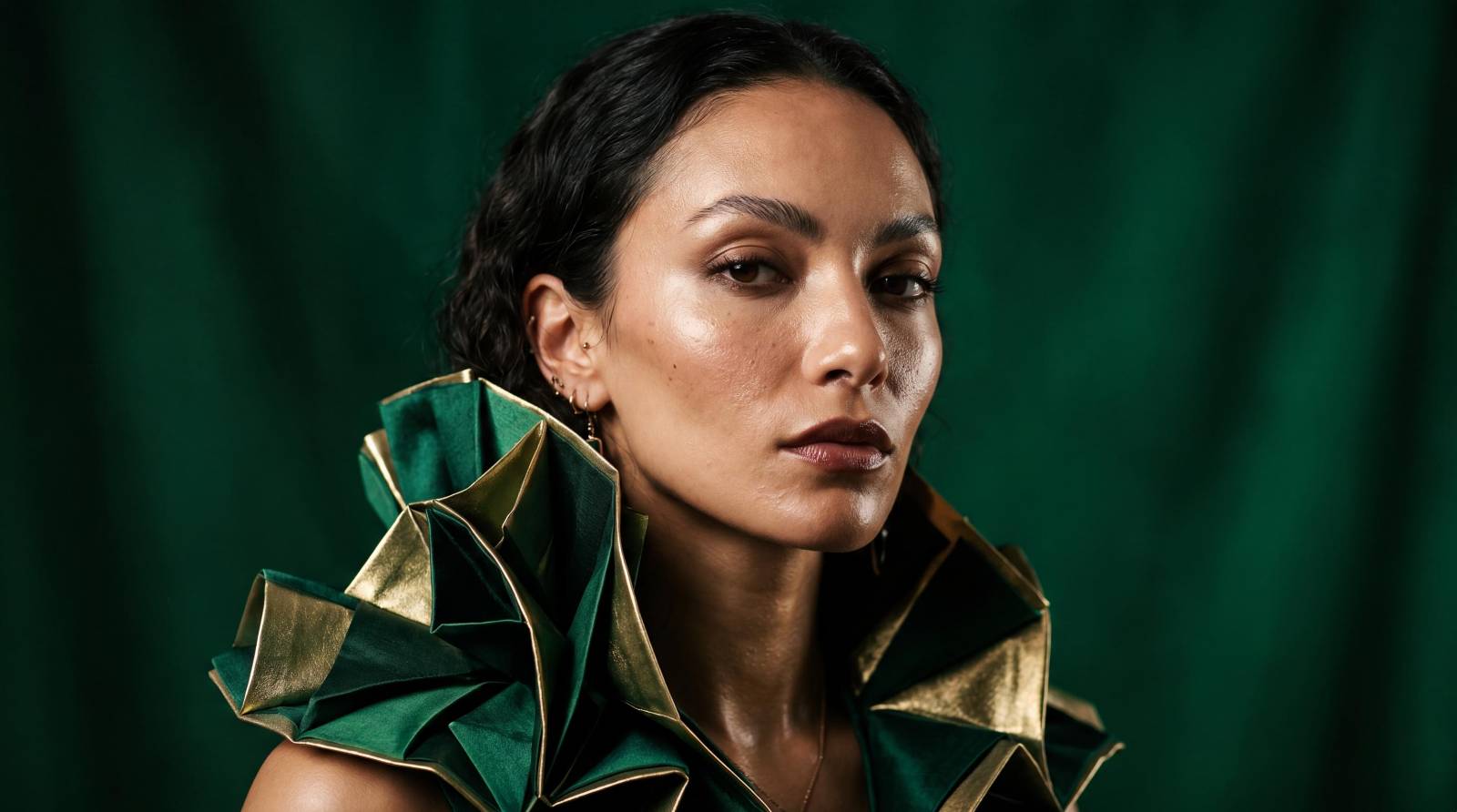
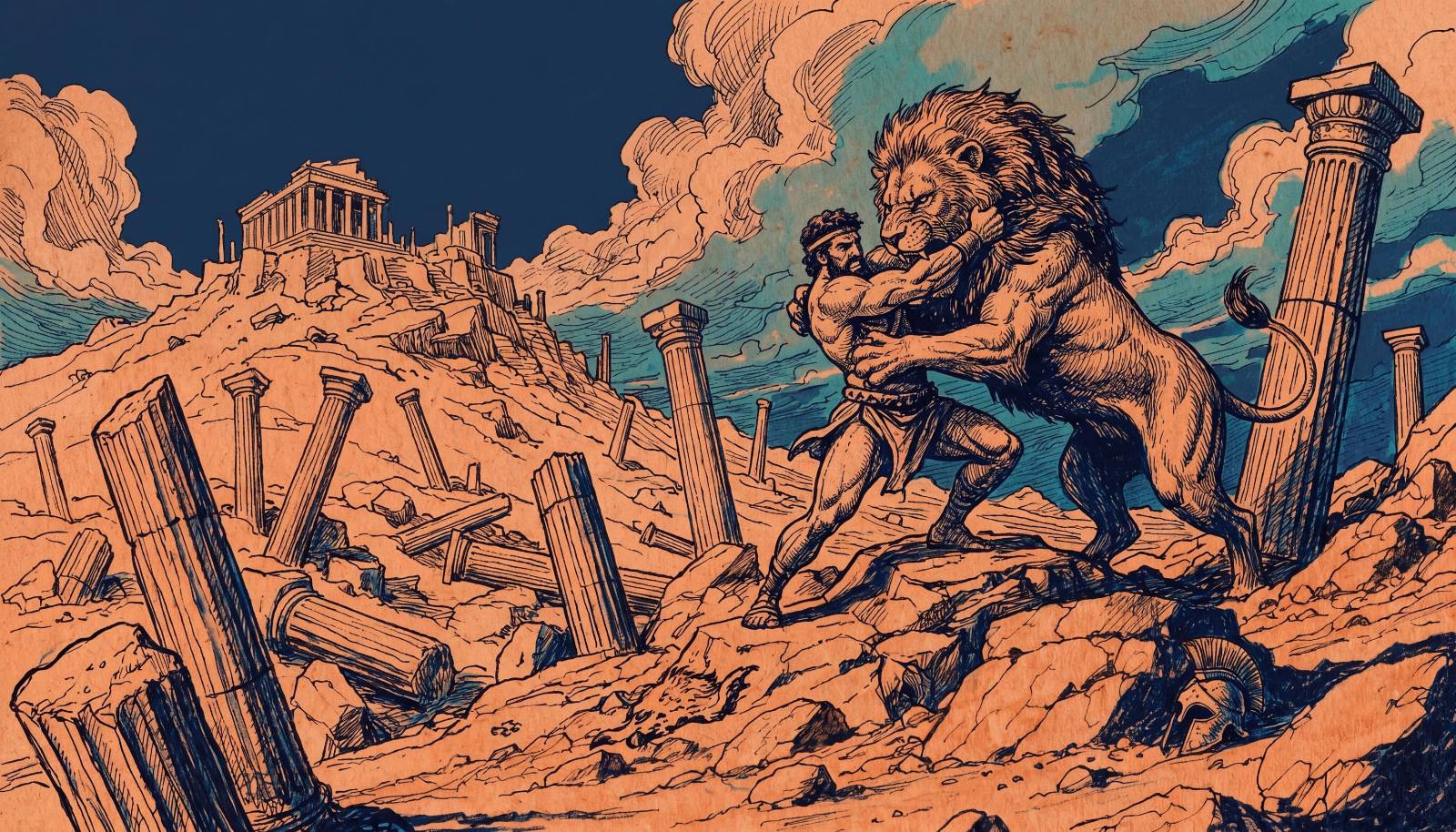
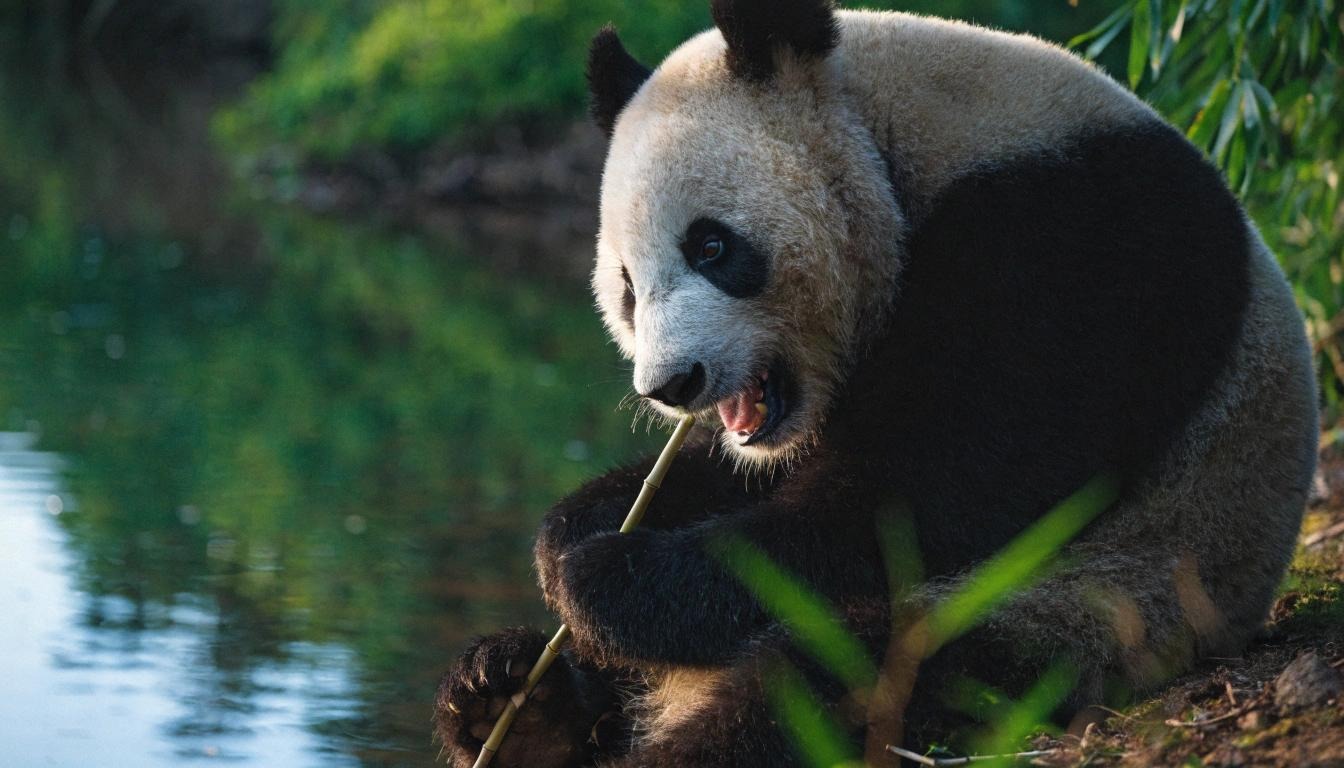
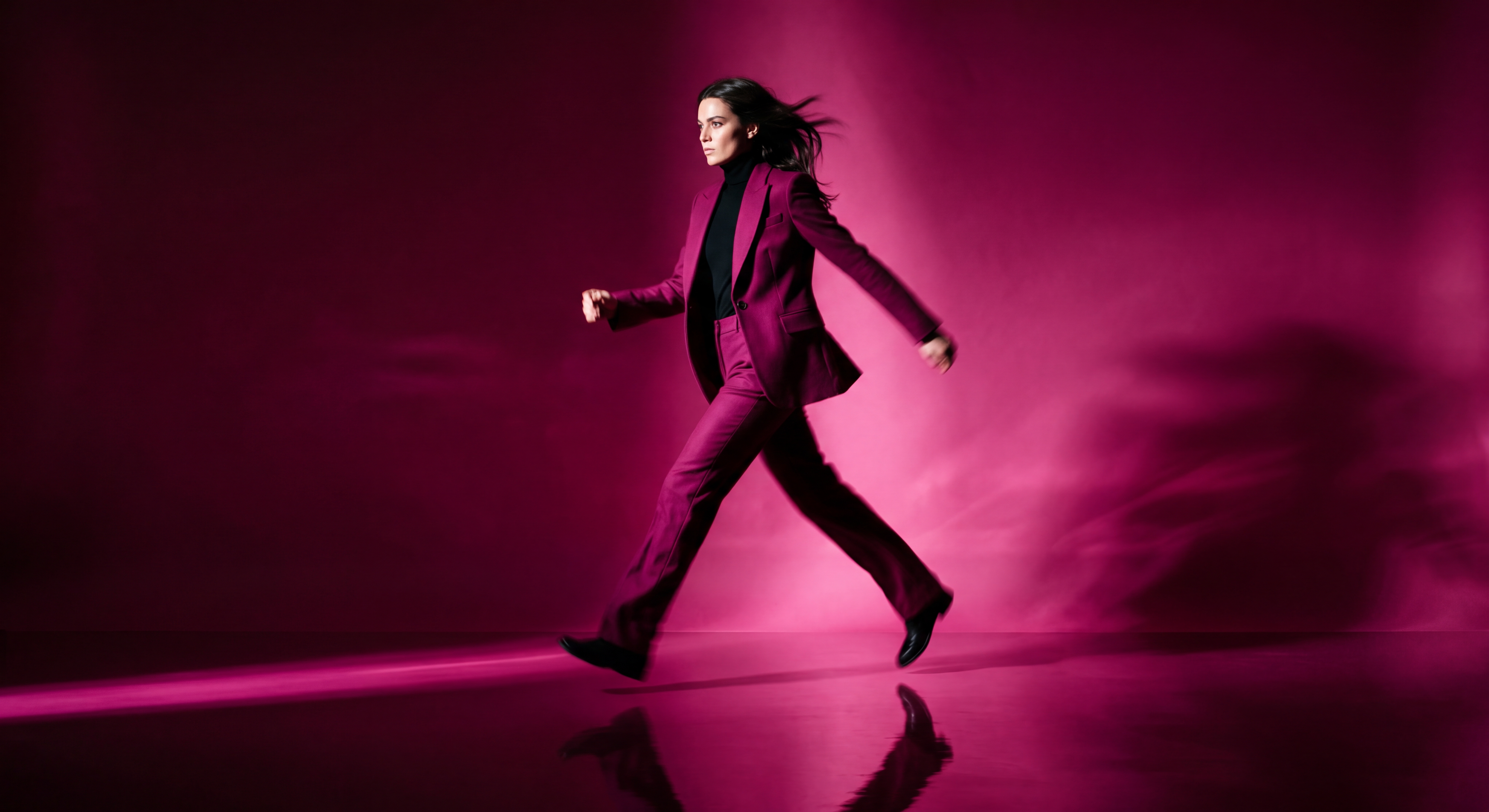
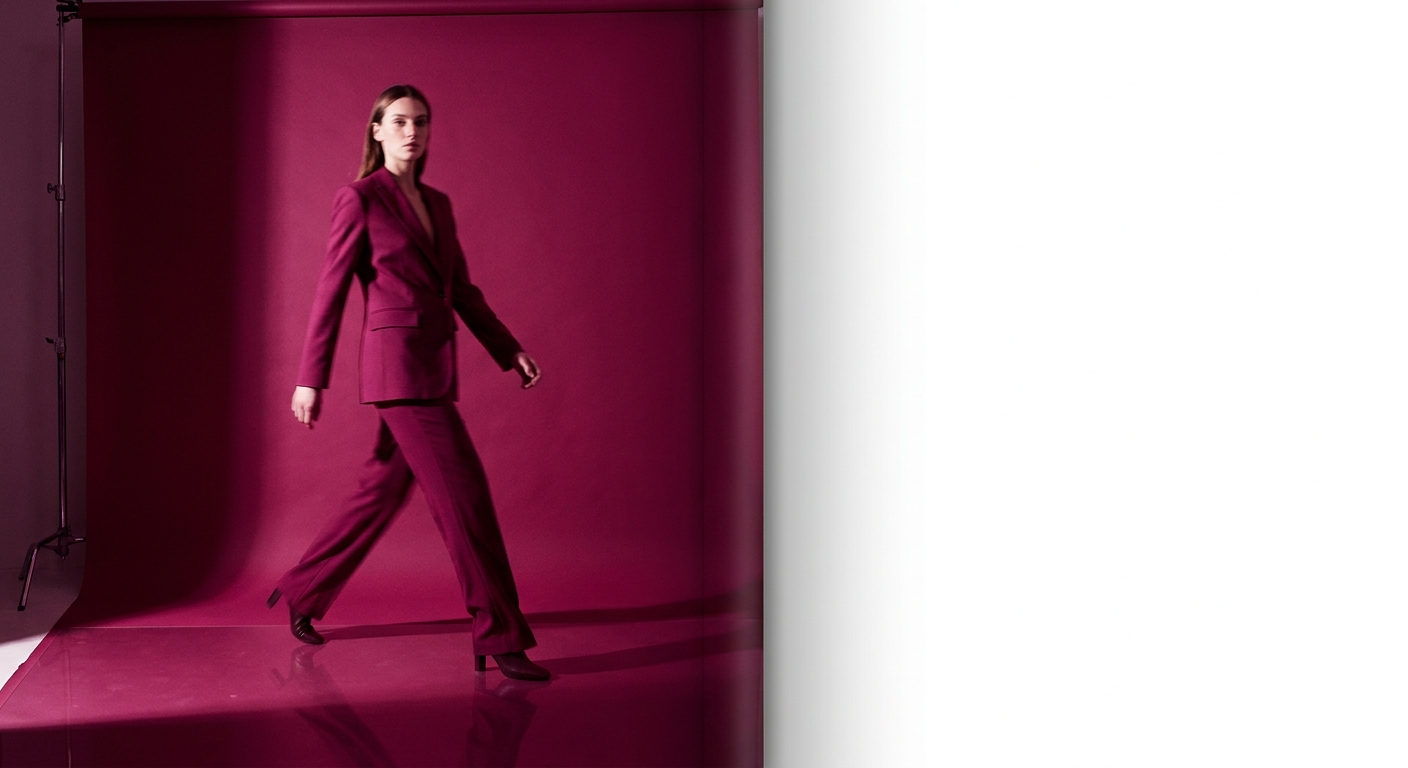
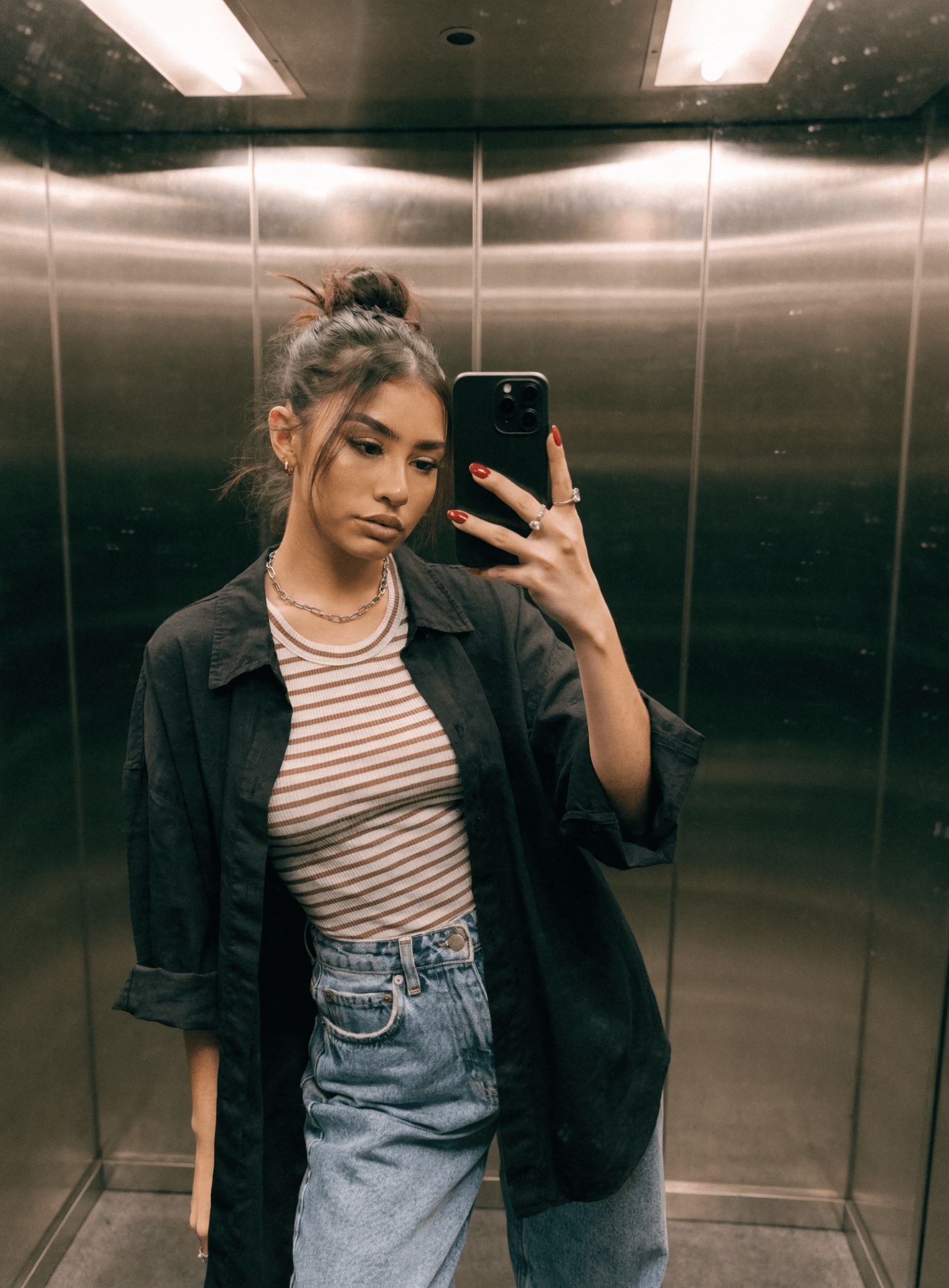
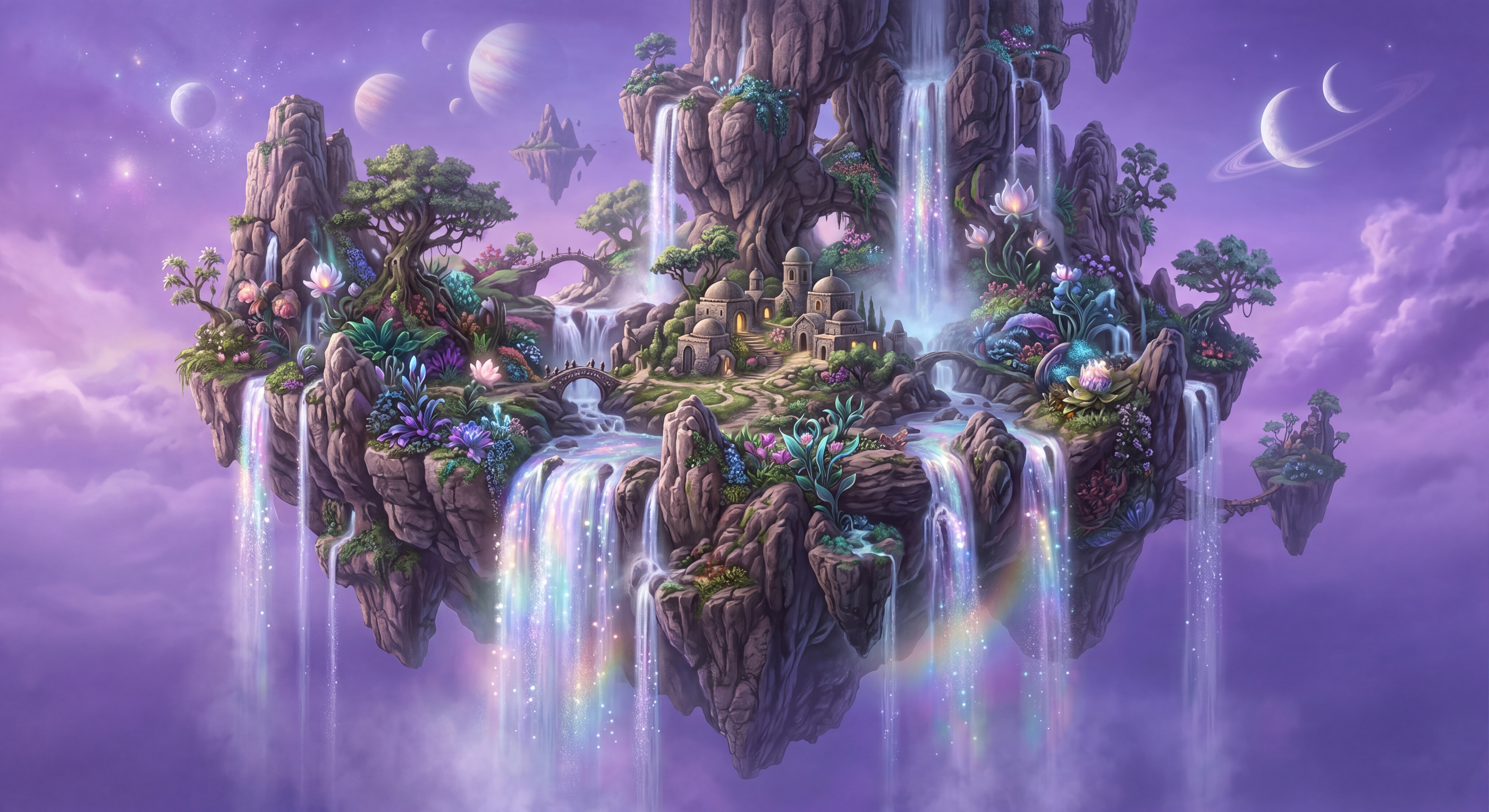
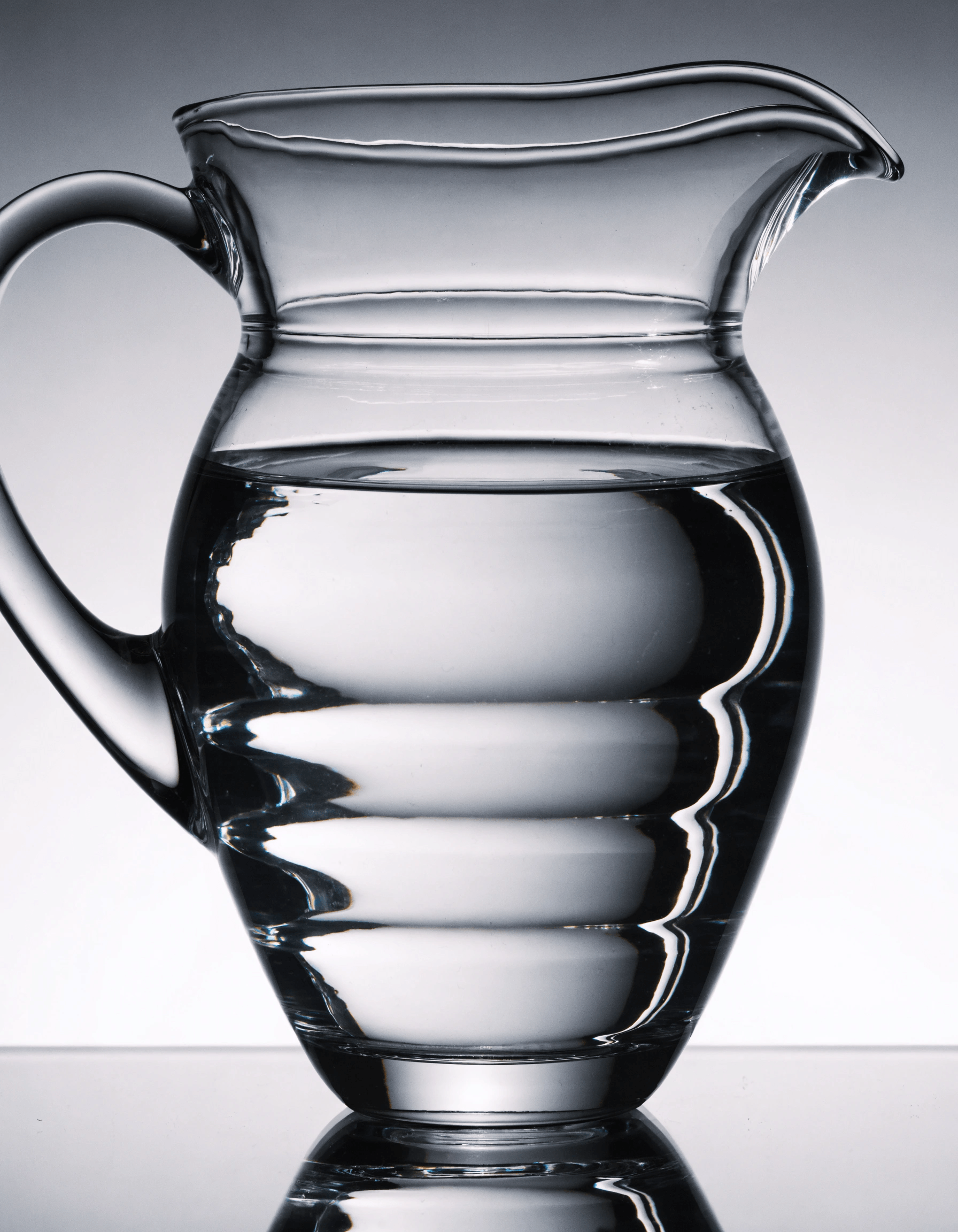
Every piece here was made in DigiVault — start to finish. No stock, no studio. Just the toolkit and a balance of credits.
Portraits & people

Products & still life
Type & logos
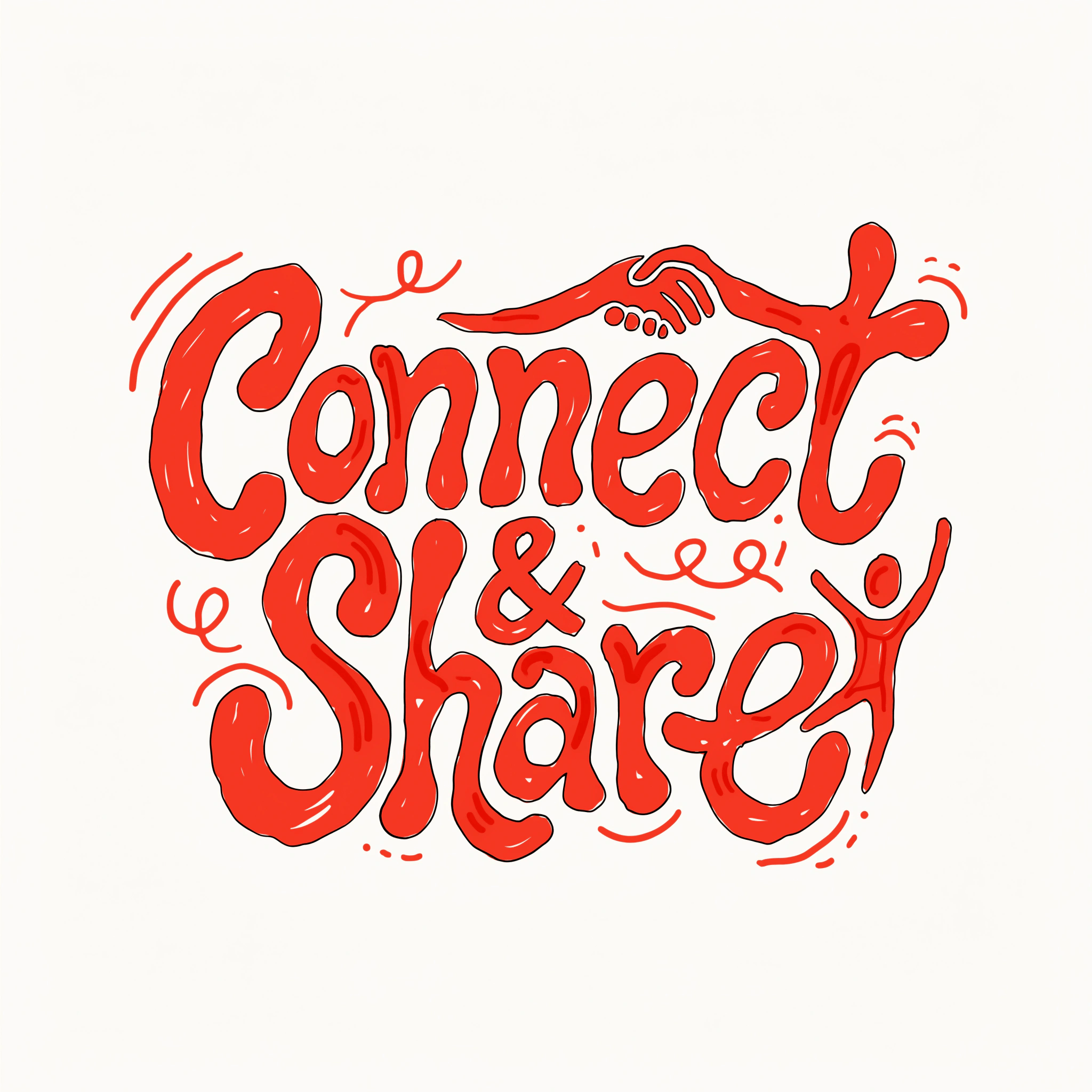
Illustration & vector
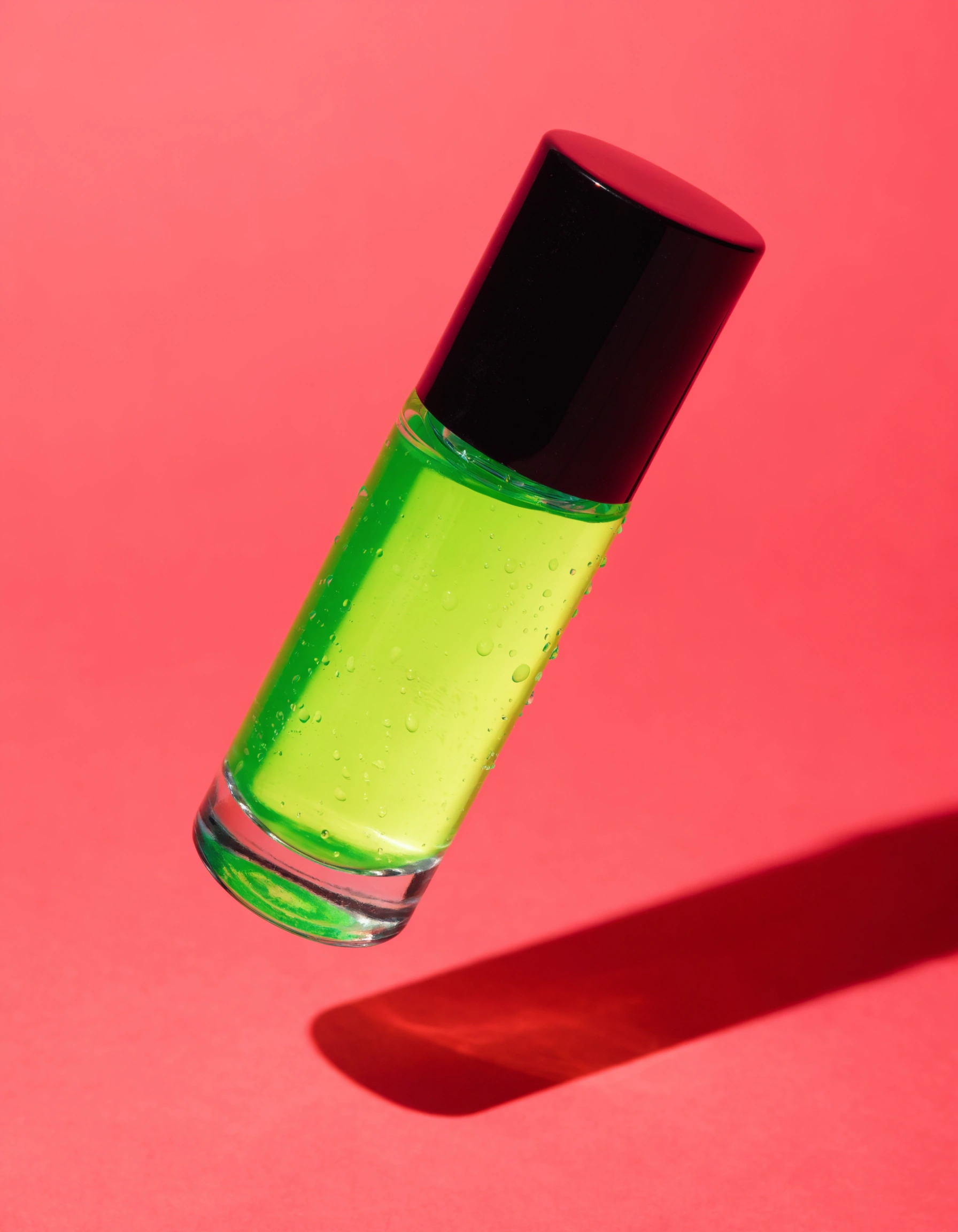
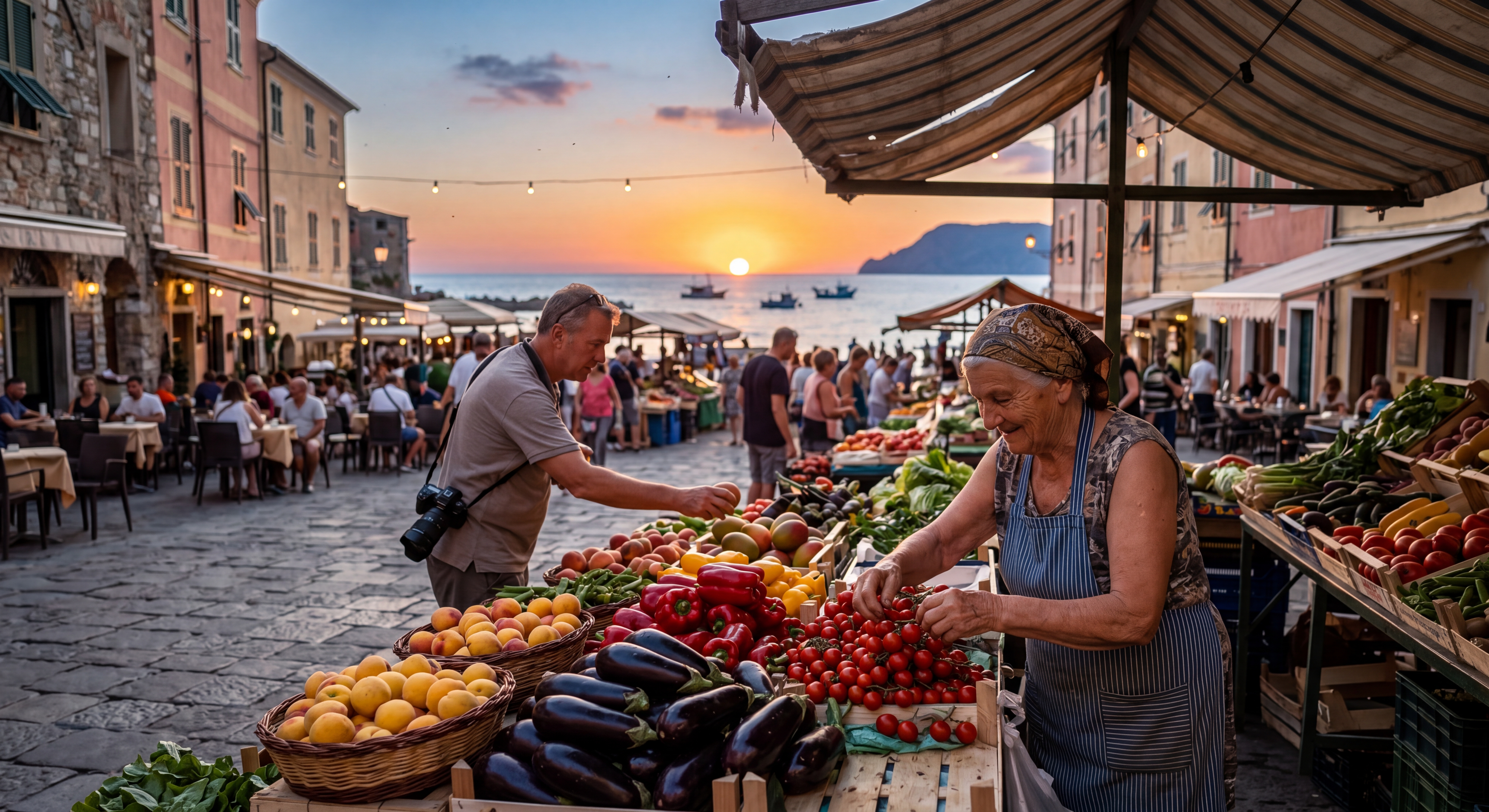
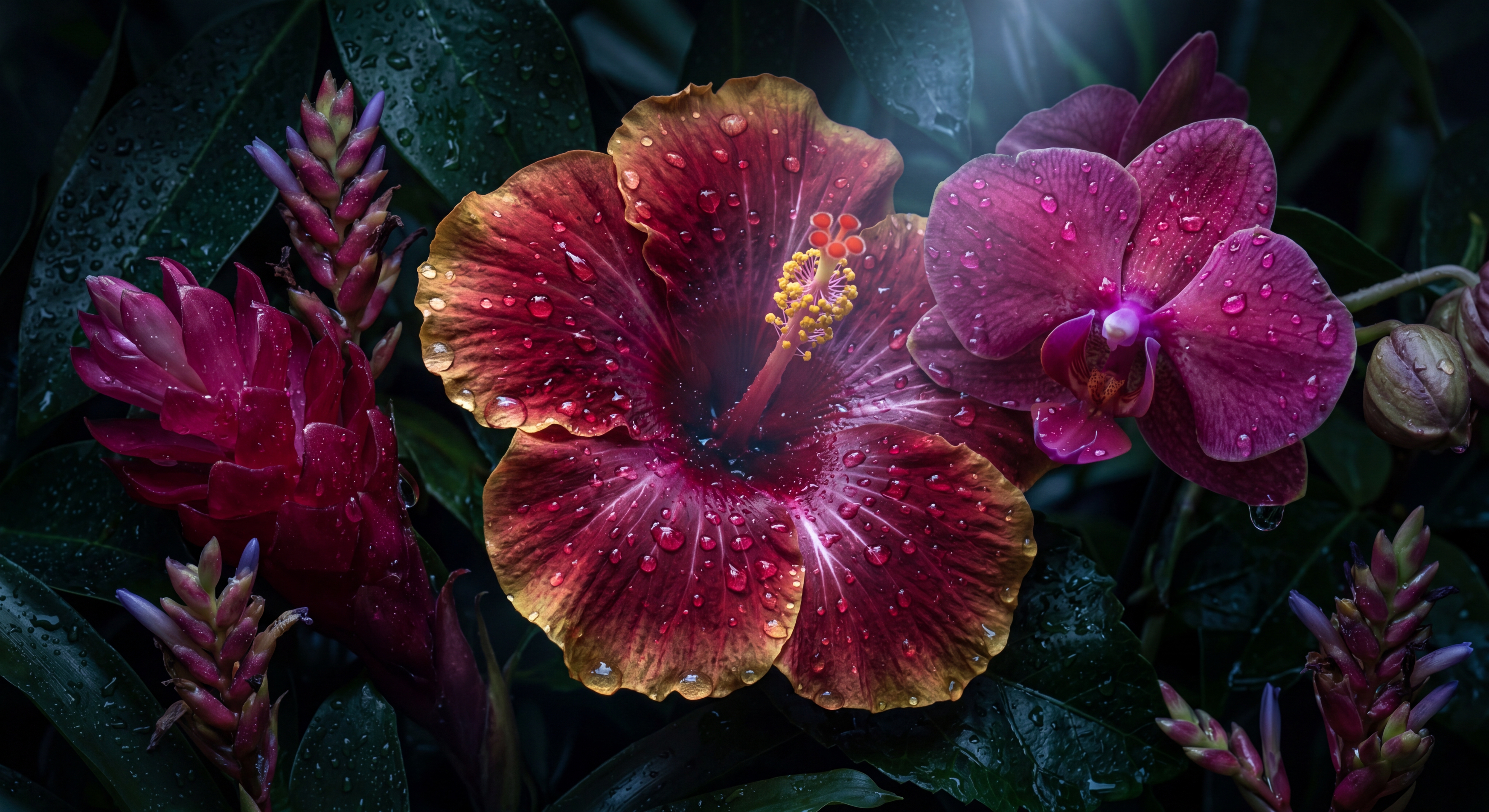
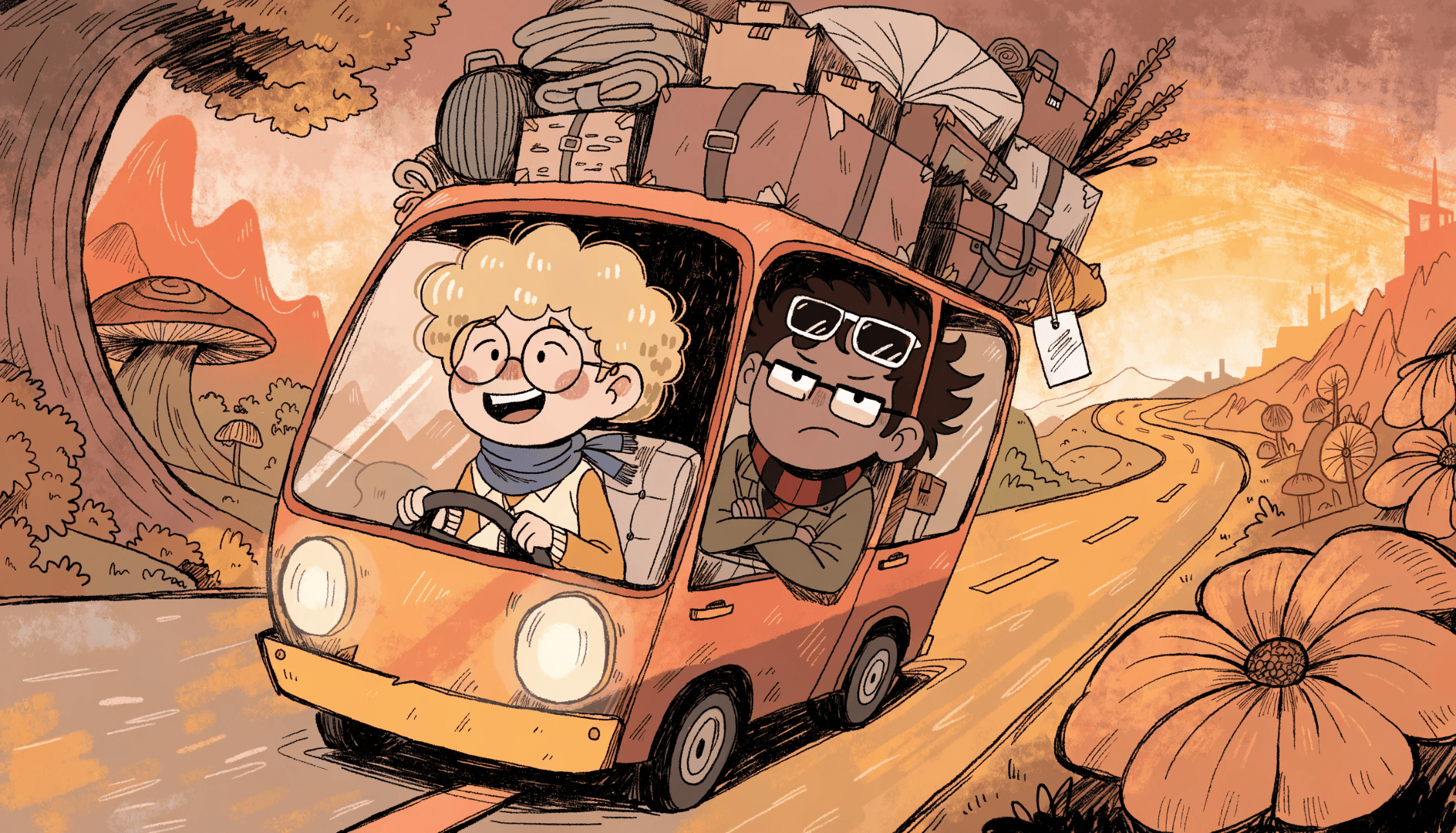
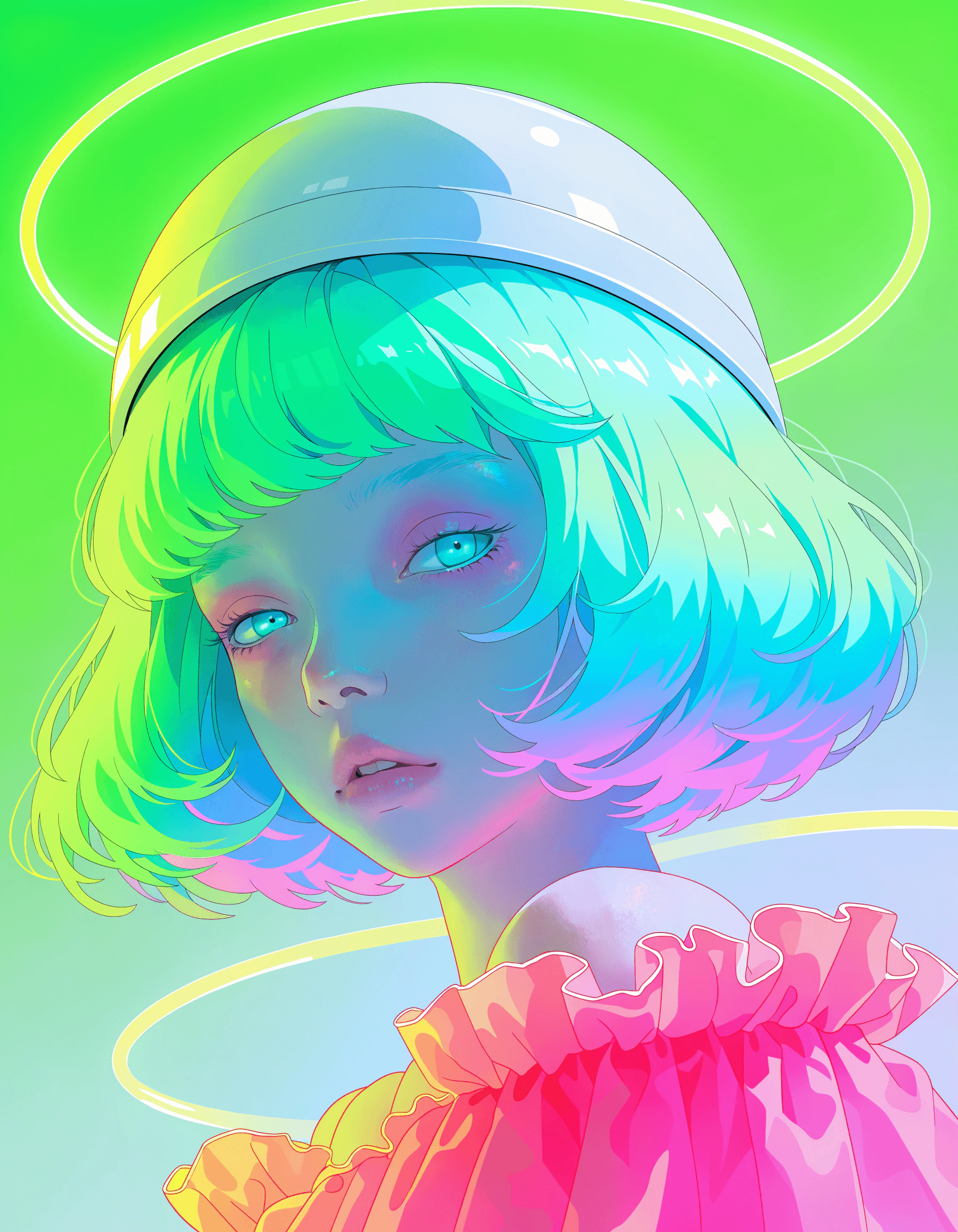

Posters & art
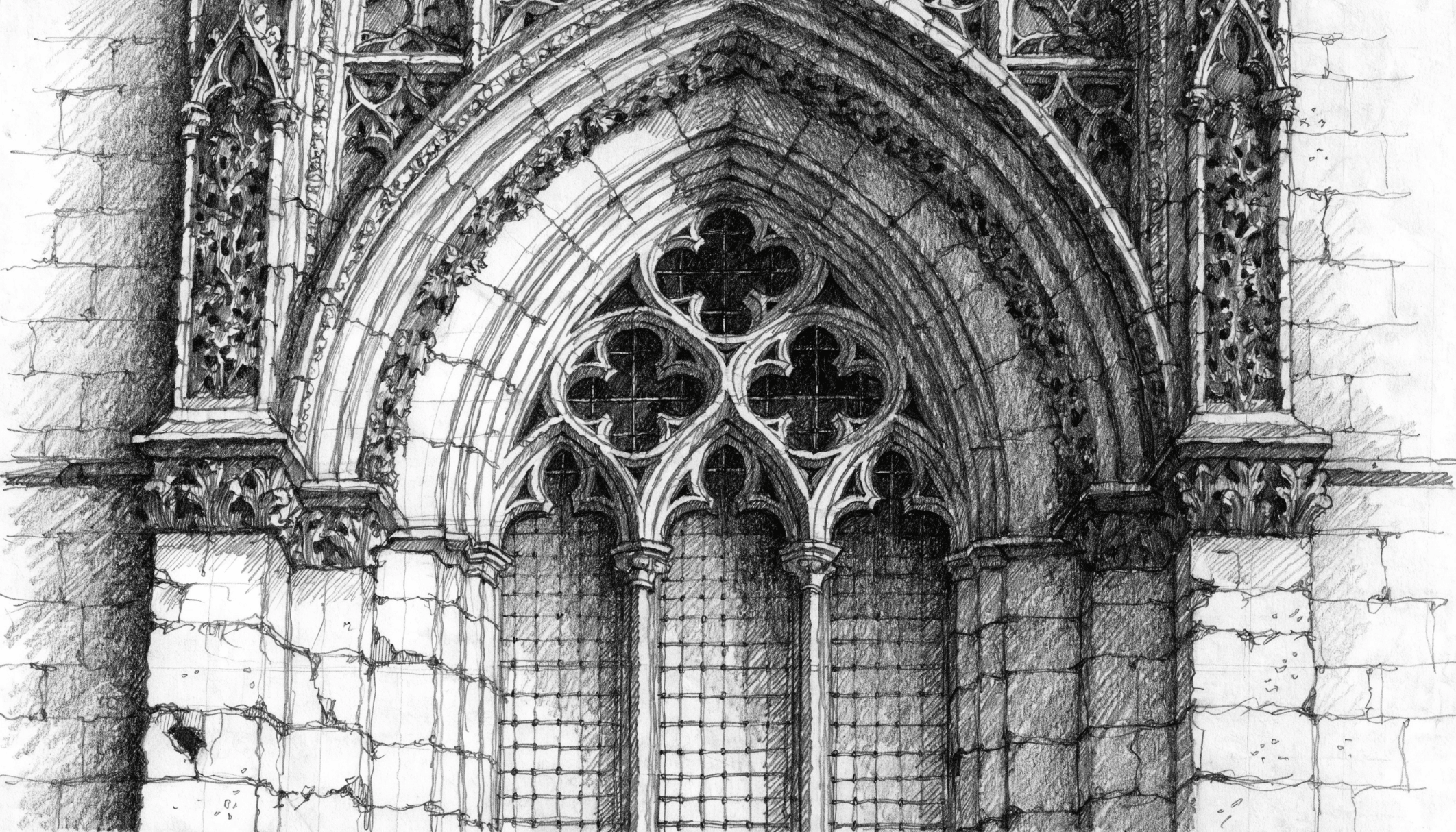
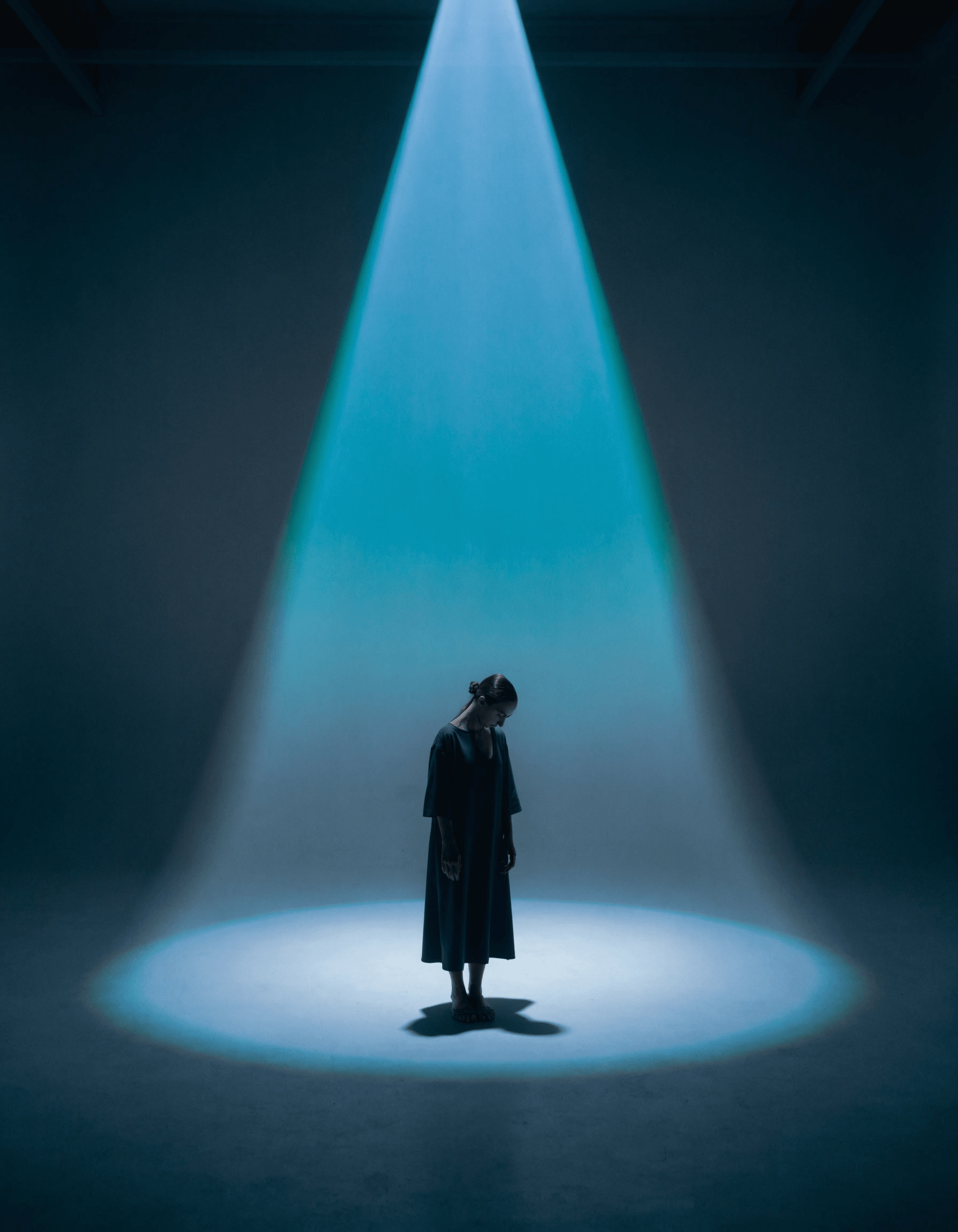
Open the toolkit
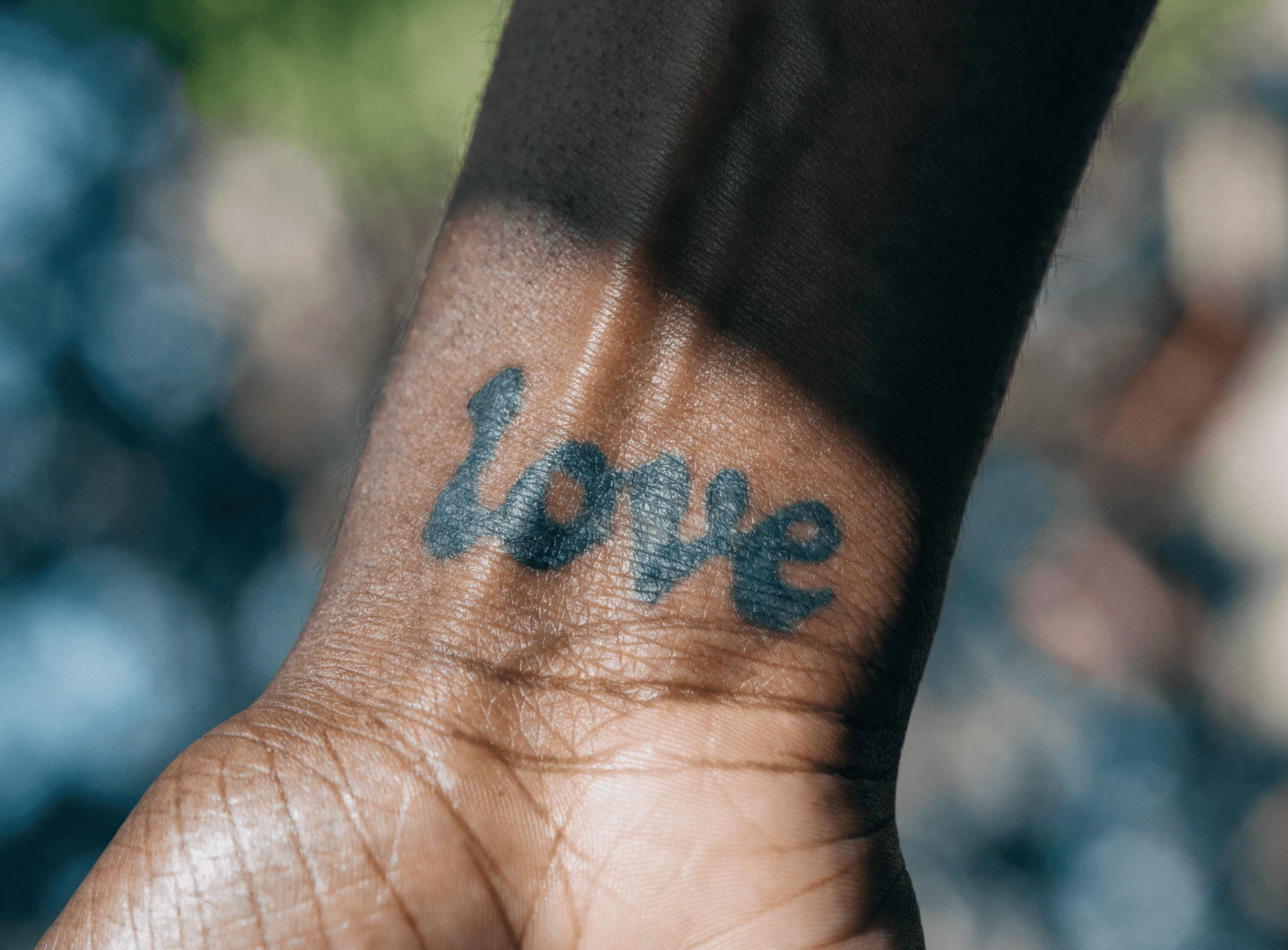
Finishing work that used to mean five apps and a round-trip — all in your vault, on one balance. Open a tool, run it, and a credit or two comes off. That’s the whole bill.
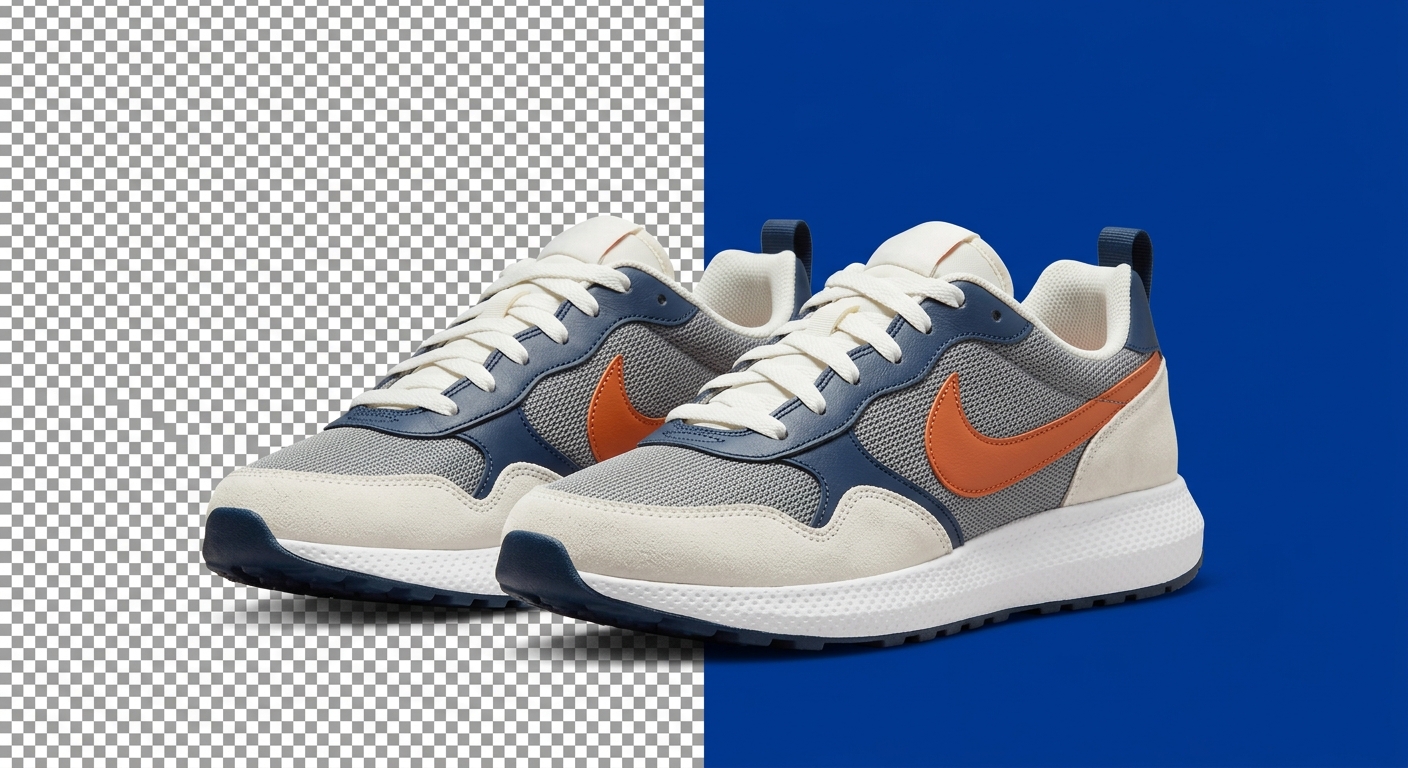
Cut out any subject
Lift a clean subject out of any image with the background remover, then drop in a transparent background, a brand color, or a fresh one you generate — without leaving the vault.
Open in the vault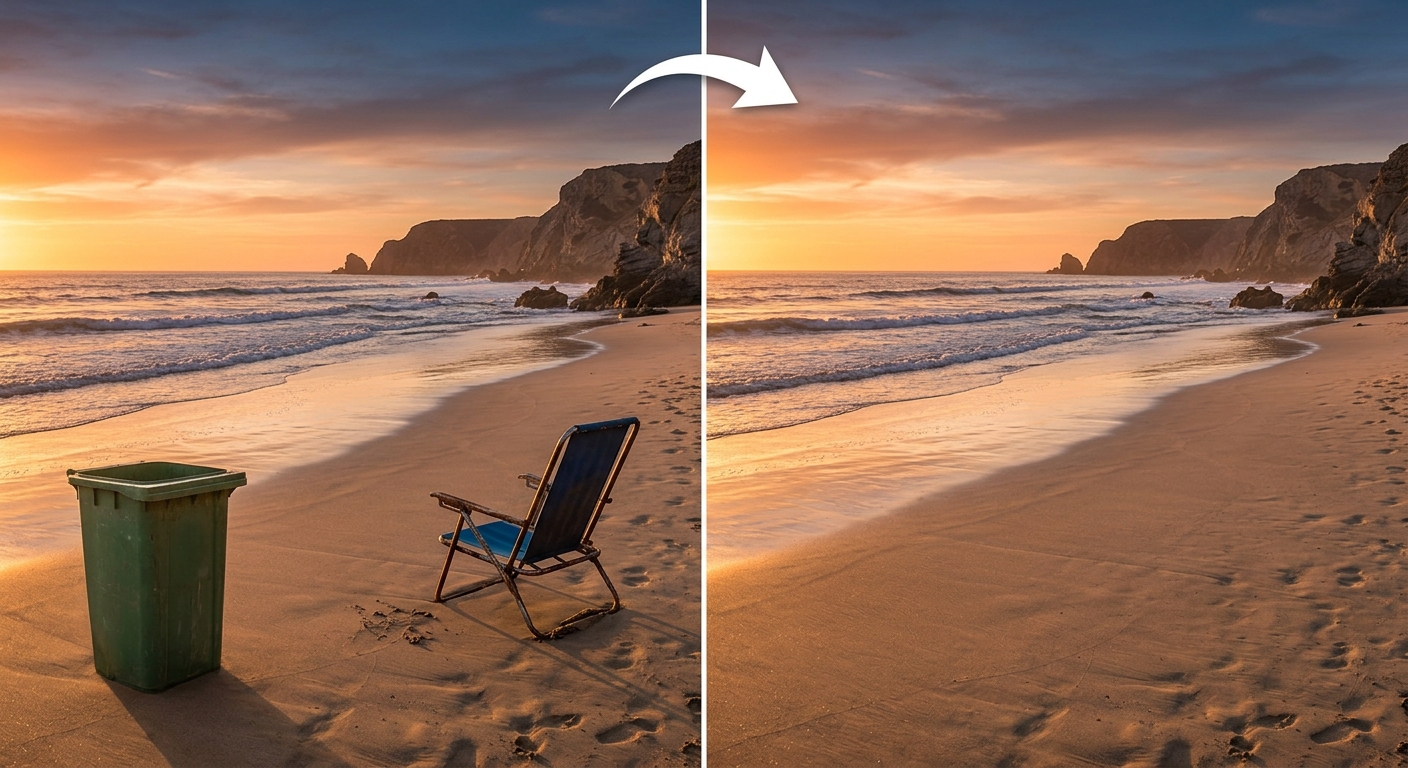
Erase what doesn't belong
Paint over people, props, signs, or stray pixels and the eraser rebuilds the gap so it looks like they were never there.
Open in the vault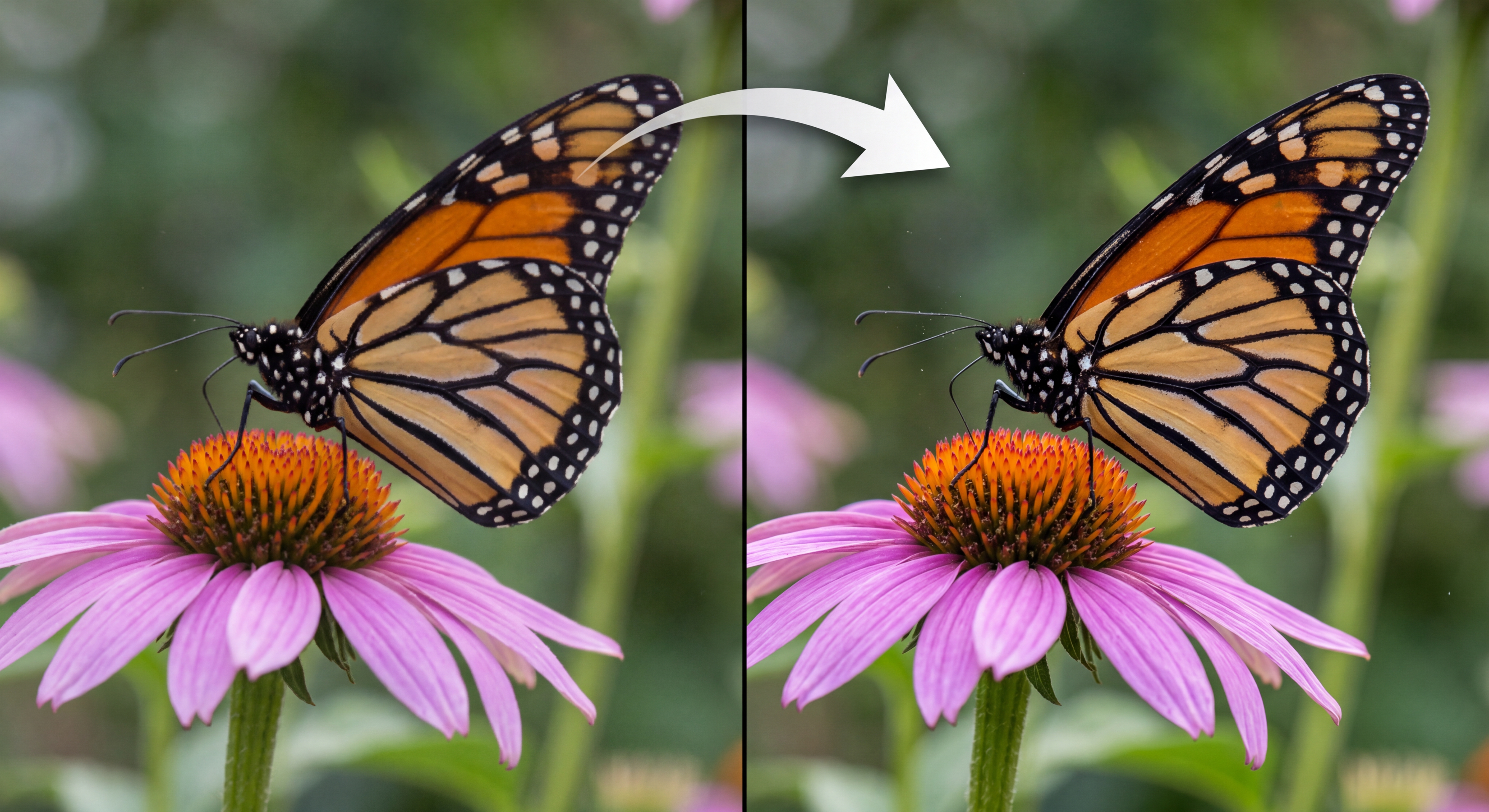
Upscale to print-ready
Push any image up to 4K. The upscaler sharpens edges and brings back lost detail — ready for hero banners, posters, and print.
Open in the vault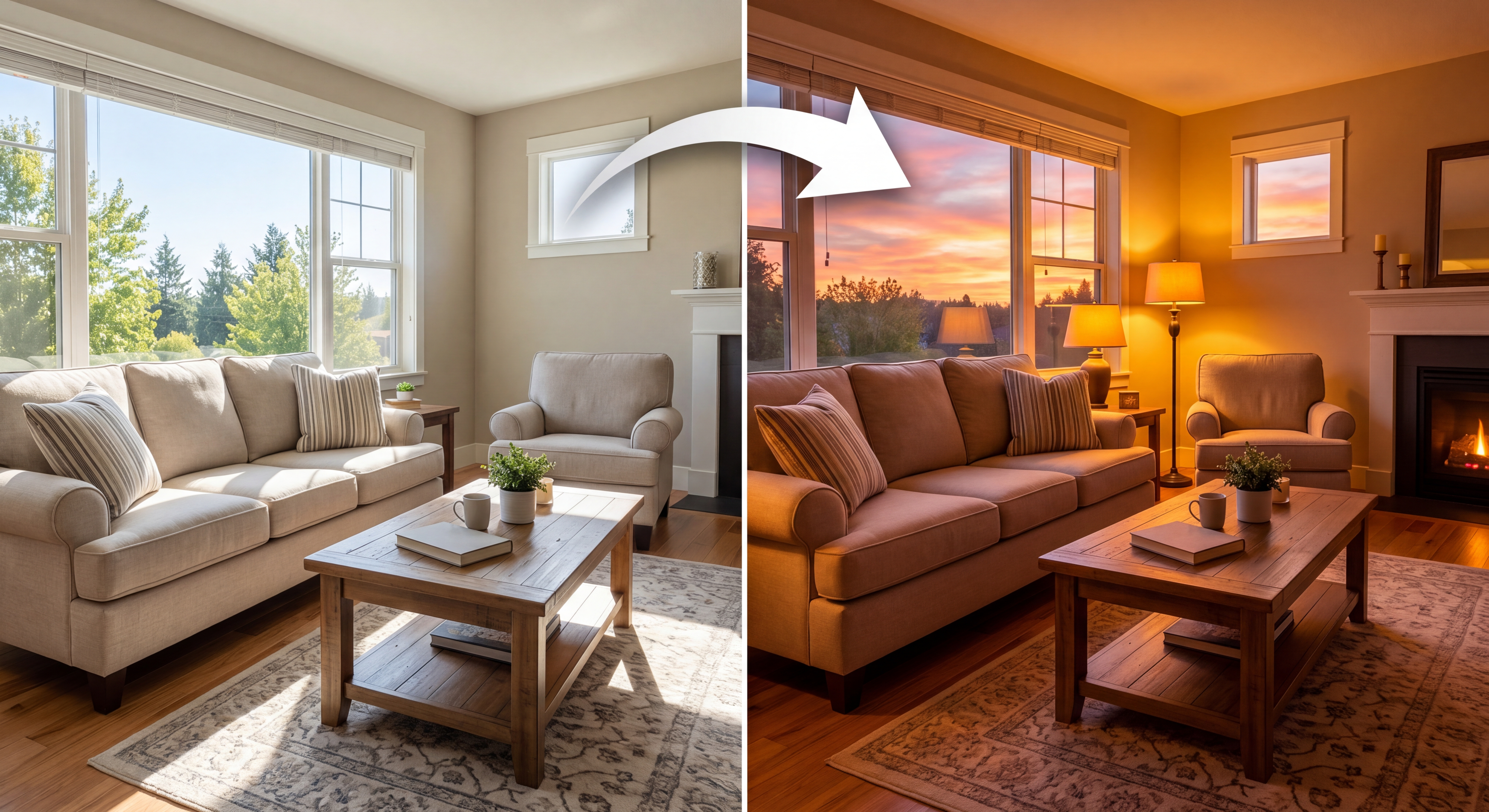
Edit by description
Skip the tools entirely. Say what you want changed in a sentence and the prompt editor renders it straight onto the image.
Open in the vault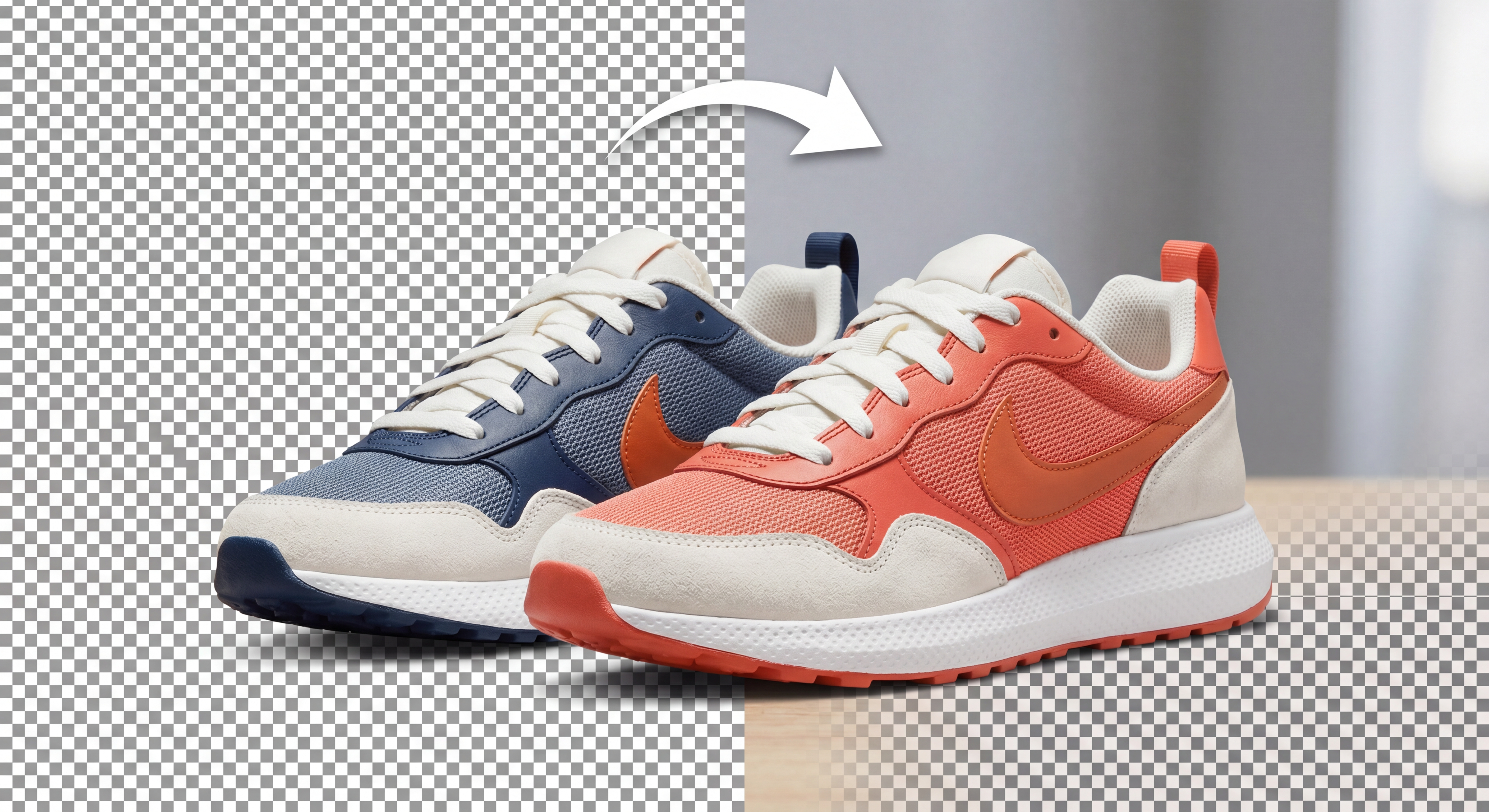
Recolor, outpaint, crop
Match a palette to brand guidelines, outpaint to extend the frame into a new aspect ratio, or crop to the shot you want — the finishing touches, one credit at a time.
Open in the vaultEvery tool, one balance
Beyond finishing, the vault holds the tools you start with. Switch between them freely — nothing’s locked behind a plan, and you only spend a credit when you run something.
Generate from a prompt
Start from a sentence instead of a photo. Spin up images, vectors, and icons, then carry them straight into the toolkit.
Combine references
Blend two or more images into one composition — style, subject, and framing merged without redrawing a thing.
Pick your model
Every run is powered by a model. Choose from the full lineup of frontier image models in the vault.
Vectorize & convert
Turn any raster image into crisp, editable vectors, or export to the format you need — PNG, JPG, WebP, SVG.
Open the vault
Two credits to start. Pick a tool, make something, and pay only for what you use.
Start with 2 free credits